Azelify is an AI video editor for creators. Say what the video is for, and it cuts, captions and paces it the way a skilled editor would. Every cut, word and title stays yours to change.
Private beta · Free plan, no card
9:16
0:00 / 0:15
Ten Clips In
One Edit Out
The cut
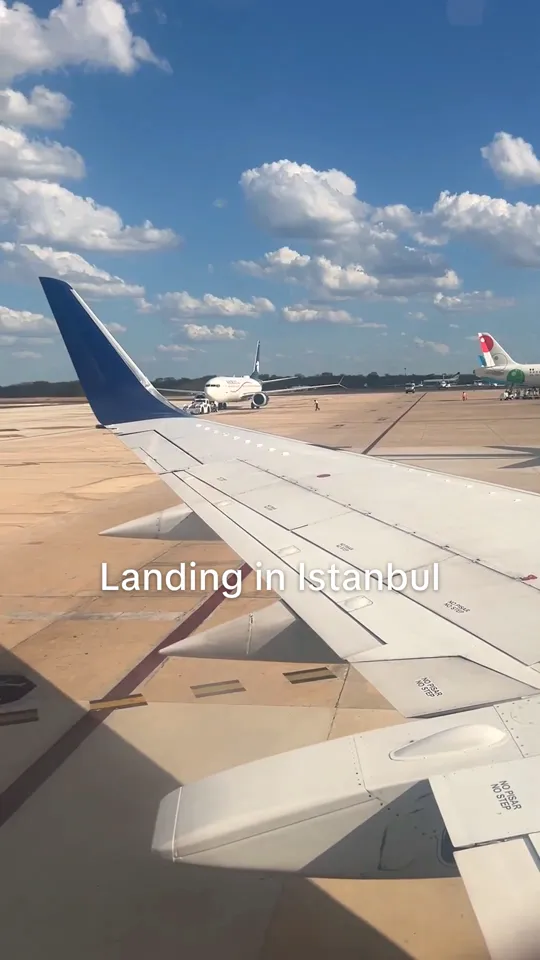
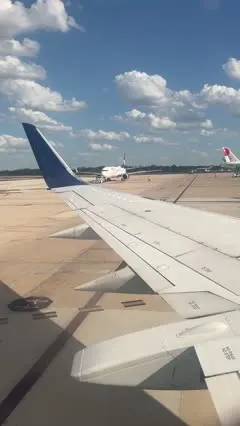
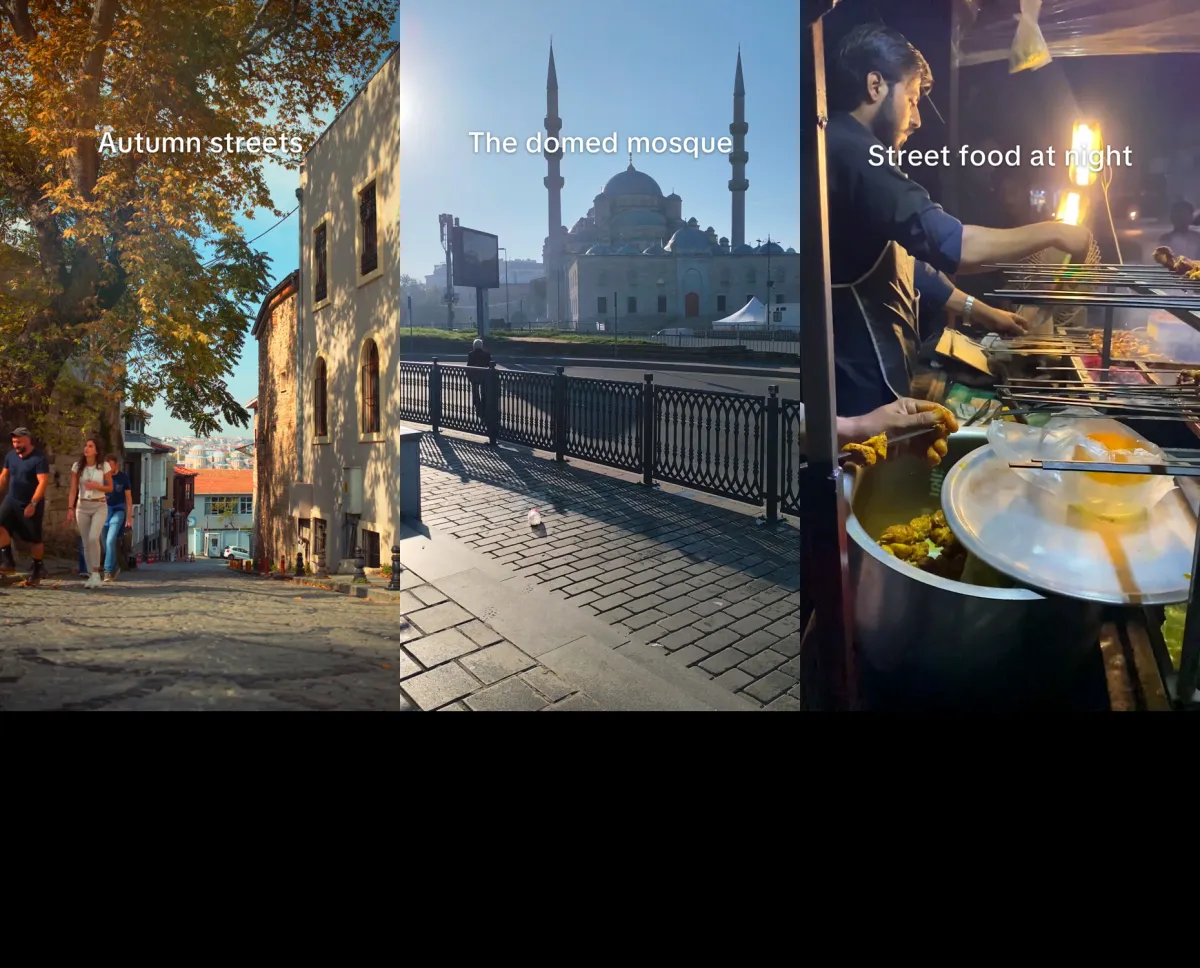
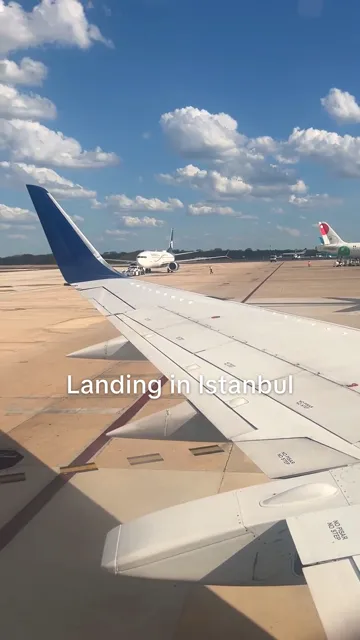
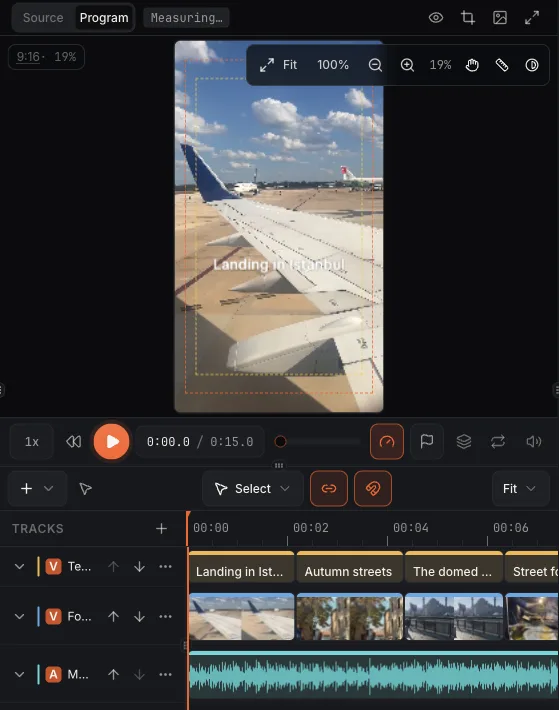
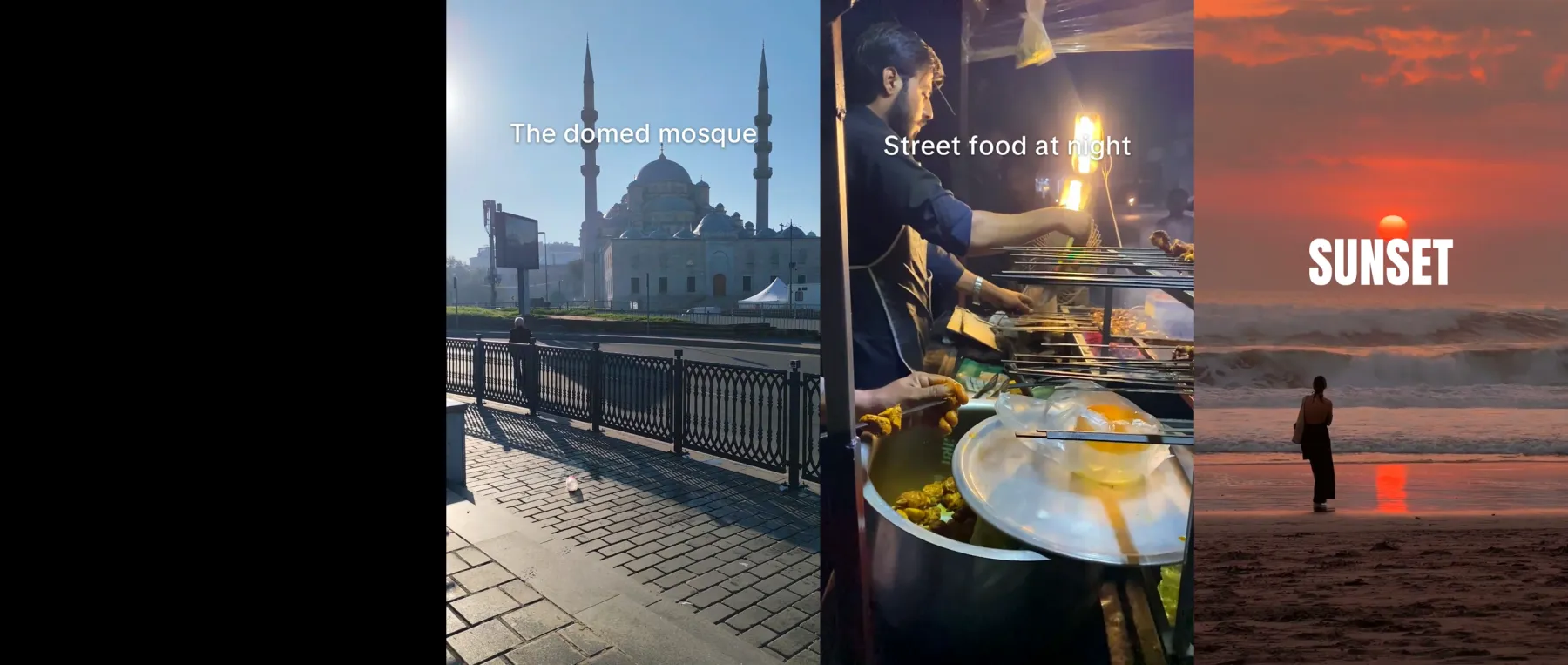
0:00Landing in Istanbul
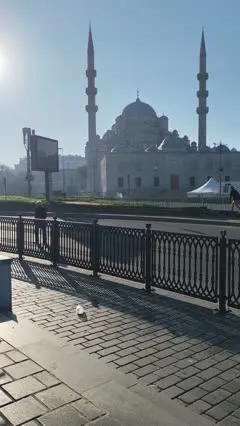
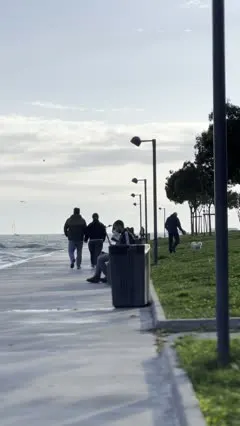
0:02Autumn streets
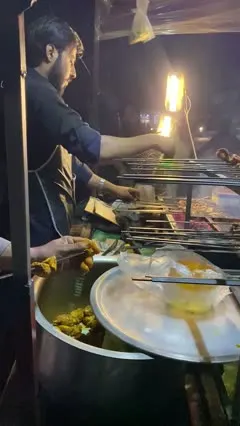
0:06Street food at night
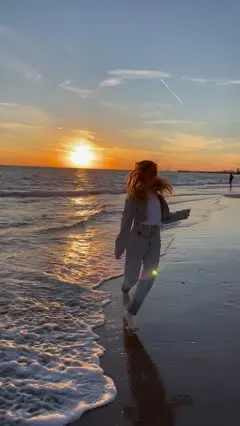
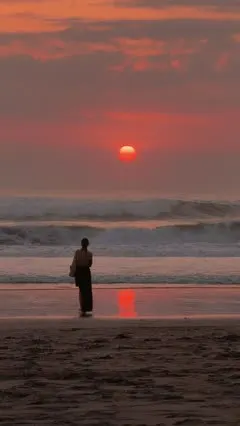
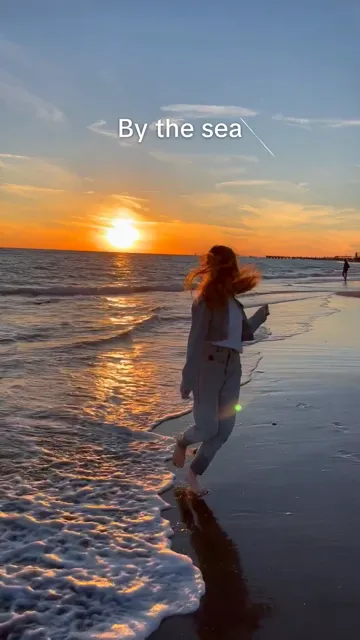
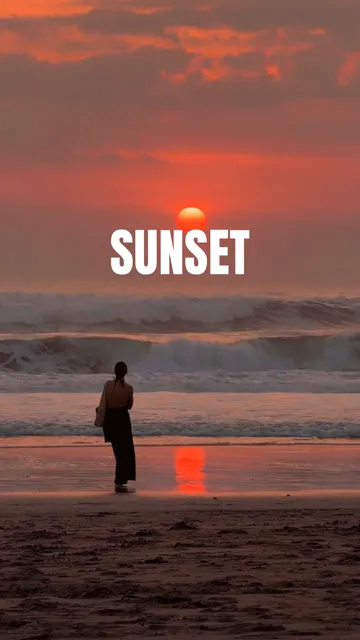
0:10SUNSET
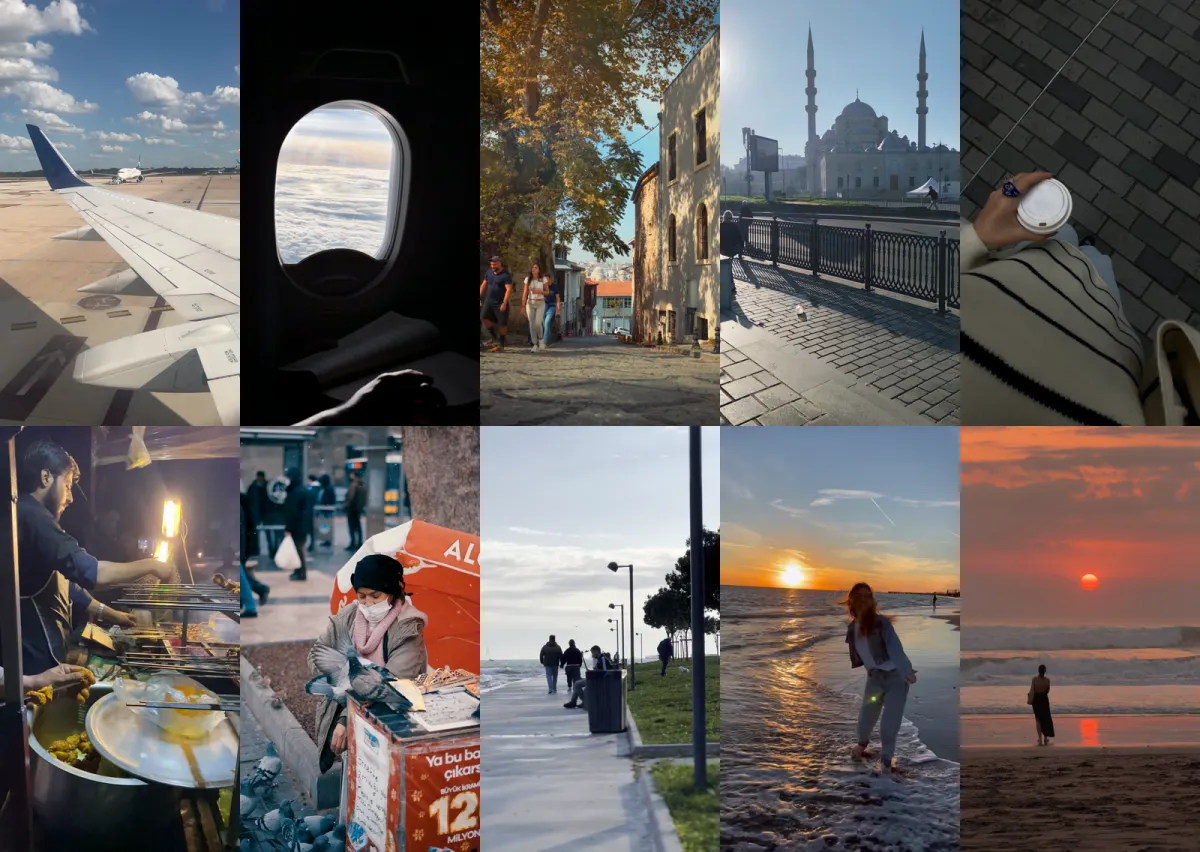
Your clips10 clips · 2:12
9:16
0:00 / 0:15
1 lineis enough to start a video
Your clipscut, captioned and paced for you
Every layerstays editable, by hand or by asking
Checkedbefore you see it
Shaped for every vertical feed
TikTokInstagram ReelsYouTube ShortsFacebook
Editing shouldn't take longer than filming.
The old way
Hours on the timeline.
Cutting pauses one at a time
Fixing captions word by word
Hunting for b-roll and music
Starting over when one thing is wrong
With Azelify
Say what it's for. Get the edit.
Dead air cut, natural pauses kept
Captions that read, clear of the platform's buttons
B-roll, music and motion where they help
Fix one thing by asking; the rest stays as it was
From footage to finished in four steps
Bring your footage. Say what it's for. Change anything before it ships.
1
Bring what you have
Footage, a photo, a link, or one sentence.
Make a 15-second Reel of my Istanbul trip from these clips. Fast cuts, captions that tell the story, end on the sunset.
2
Say what it's for
The platform, the length, the feel. Azelify plans the cut.
3
Get the edit
Cut, captioned and paced, then checked before you see it.
Istanbul trip, 15-second Reel.mp41080×1920 · 0:15 · 31 MB
4
Change anything, then post
Grab any layer or ask for the change, then export it with the post copy written.
What you get
Built for people who edit their own videos.
The Istanbul Reel in the editor. Every caption, cut and the music bed is its own layer.
It knows the craft
Pauses that breathe, captions that never split a phrase, cuts that land on the beat. You don't have to explain how.
Every piece is a layer
Words, titles, cuts and motion stay real editor objects after the AI is done. Nothing is baked in.
Change it by asking
Ask for captions smaller and above the subscribe button, and only the captions move.
Undo by asking, too
Didn't like a change? Say so, and it goes back the way it was.
It checks its own work
Every video is checked before you see it. When something can't be fixed, it tells you what and why.
From a prompt, too
No footage? Describe the video and get native motion and type you can still edit.
Fits each feed
Captions and text stay inside each platform's safe area, clear of its buttons.
Ready to post
The title, description and captions are written for where it runs. Download it, or hand it off.
Start free. Scale when you are ready.
Creator
For one channel or product that posts every week
$24/mo
500 credits a month
Chat, planning and editing included
Publication packages (no automated publishing)
Email support
Pro
Recommended
For heavier output across several formats
$49/mo
1,400 credits a month
Chat, planning and editing included
Instagram publishing
Priority support
Agency
For teams making videos for several clients
$149/mo
4,500 credits a month
Chat, planning and editing included
Instagram publishing
Dedicated support
Custom Branding available
Free plan, no card needed · Free exports carry a small azelify.com mark
Frequently asked questions
Still deciding? Watch the Reel.
Do I need editing experience?
No. Say what the video is for and Azelify makes the edit. Everything it makes sits on a real timeline, so you can change any part by hand or by asking.
Where can I post?
Export a file shaped for TikTok, Reels, Shorts or Facebook, with the title, description and captions written. Post it yourself, or hand it off to an account you've connected.
Is it free?
There's a Free plan with no card and a small monthly allowance. Paid plans give more. Nothing publishes without your review.
Who owns the output?
You do. Every export is yours to use anywhere.
Do I need my own footage?
No. Bring footage and Azelify edits it, or describe the video and it makes one with native motion and type. You can add your own clips at any point.
How long does a video take?
It depends on the length and what it has to make. You can watch each step as it runs, and editing is yours to take as long as you like.
Bring your next video.
Azelify is in private beta. Request early access, and make your first video on the Free plan.